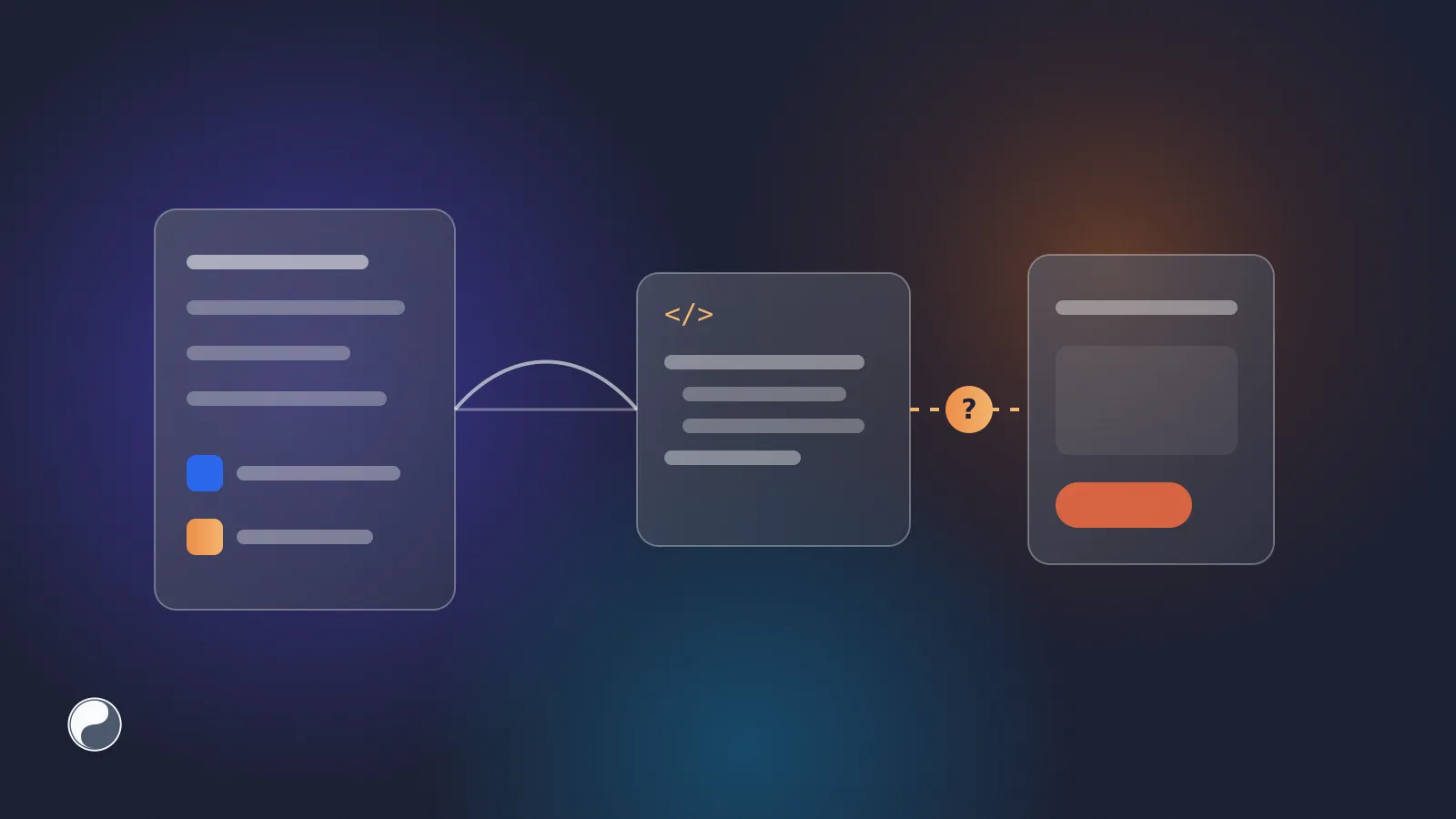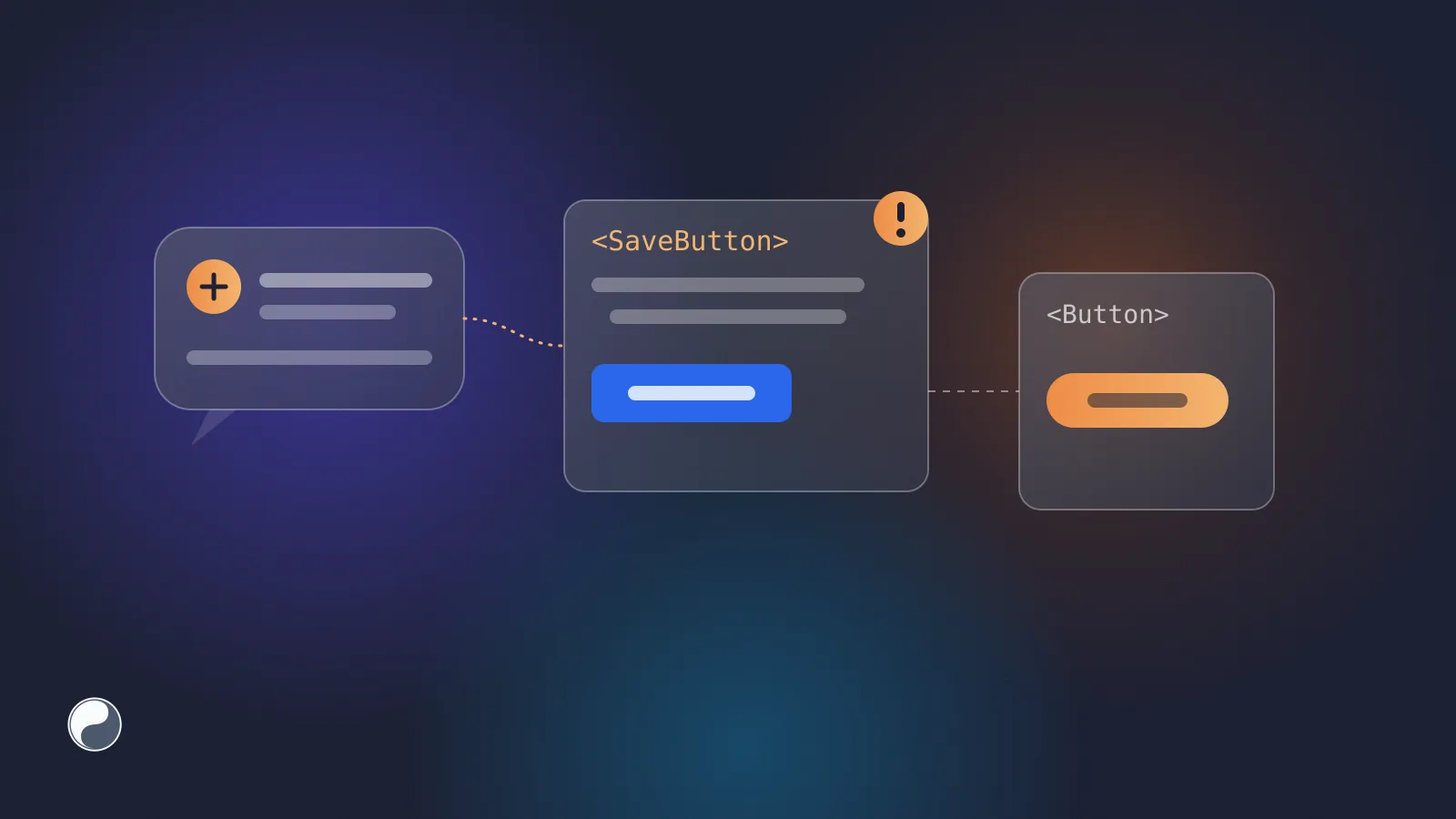
Code changes get a branch, a diff, a named reviewer and a merge. Design changes often get a message in a channel and a link to a frame. Then the two meet in production, and nobody can say which change was approved. Design review as code review borrows the parts of the code workflow that make changes traceable, and applies them to the design system.
Key takeaways
- Code review works because of four things: an isolated branch, a visible diff, an owner who must approve, and a merge that records the decision.
- Figma has equivalents for most of them: branches, branch review and Dev Mode statuses. They need to be used on purpose.
- The step that's usually missing is the handover: a design change that becomes a reviewed pull request, not a message.
- Give each part of the system an owner on both sides, and make the pull request the place where design and code approval meet.
What makes code review work
Strip code review down and four mechanics remain:
GitHub even automates the owner part. With a CODEOWNERS file, "code owners are automatically requested for review when someone opens a pull request that modifies code that they own" (GitHub). A branch protection rule with "Require review from Code Owners" then makes their approval mandatory.
None of this is specific to code. It's a way to make changes visible and decisions accountable.
The same mechanics in Figma
Figma offers equivalents for most of the table, though they're easy to skip.
Branches. Figma describes branches as "controlled environments that allow you to explore changes to designs, prototypes, and libraries, without editing the original file" (Figma). Branching is available on Organization and Enterprise plans, with a Full seat.
Review. A branch can be sent for review. Reviewers compare it with the main file, side by side or as an overlay, and approve or suggest changes. Figma also notes that "anyone with can edit access to the main file can merge branches" (Figma), so review is a habit to agree on, not a hard gate.
Statuses. Dev Mode lets designers mark a section as Ready for dev, and Figma marks it as changed when it's edited afterwards (Figma). That's the closest thing to a sign-off that developers can see, and our note on Dev Mode and Code Connect covers what it does and doesn't track.
For a design system library, a branch per change and a named reviewer already cover isolation and ownership. The diff and the record are harder to carry over, because a library change doesn't stop at Figma.
Where the workflow breaks: the handover
A published library update is the design side's merge. What happens next usually isn't reviewed at all. Someone exports tokens, copies icons or updates a component, and the change reaches code as part of a larger pull request, or not at all.
That's where design system drift begins. Figma says one thing, production says another, and there's no record of which difference was intended.
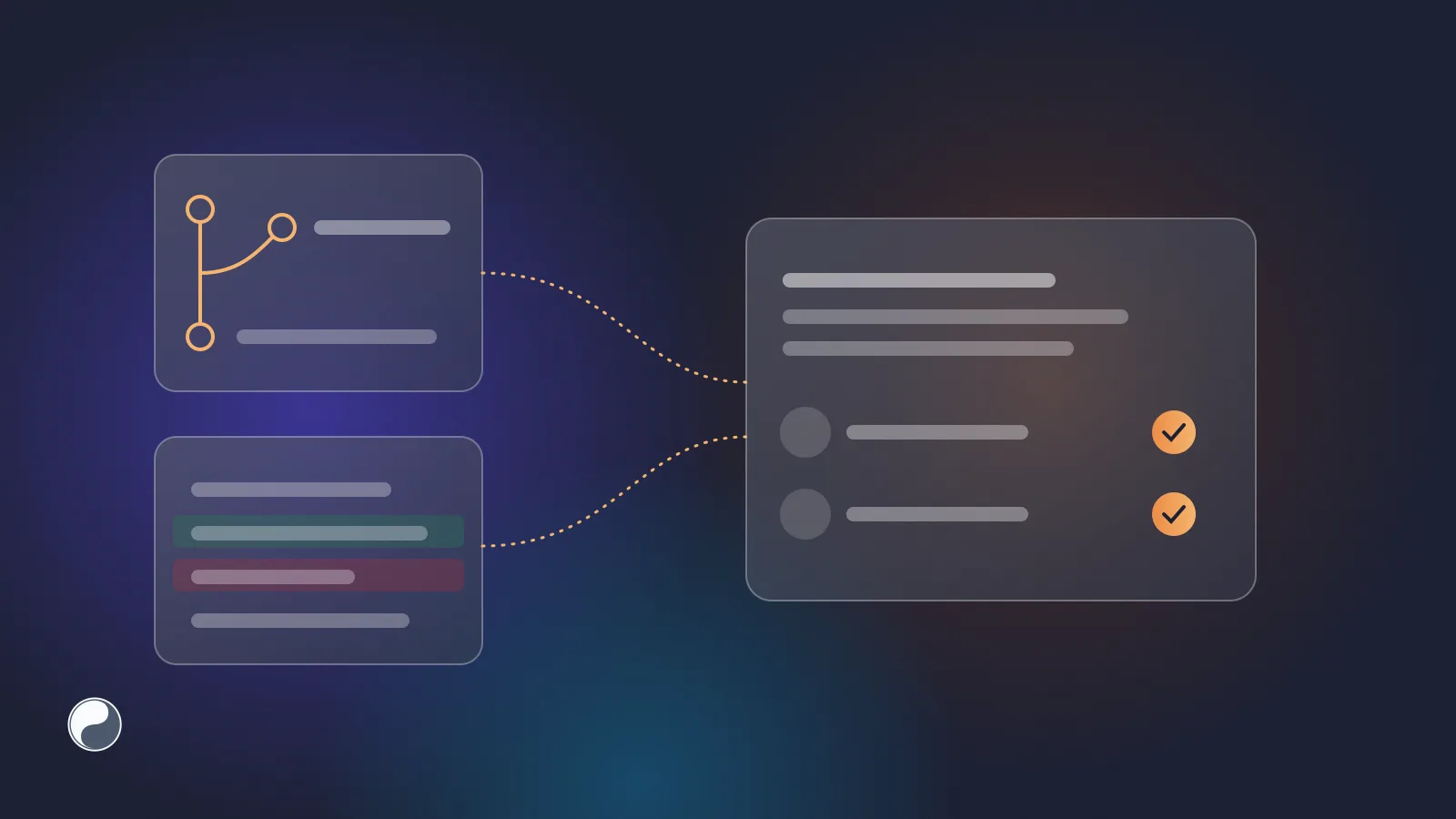
The fix is to make the handover a change of its own:
- One library change, one pull request. Everything that changed in one library arrives together, in a pull request that contains nothing else.
- A readable diff. The pull request lists what was added, changed and removed by name, not only as file changes. Reviewers should see, for example, "
color.bg.surfacechanged in dark mode", not a long JSON diff. - Owners on both sides. A designer confirms the change is the intended one. A developer confirms the code side is safe.
CODEOWNERScan request the developer automatically, for example for the token folder. - A merge as the record. When the pull request merges, the code change and its approvals are recorded in one place, linked back to the library.
Who owns what
Ownership is the part teams find hardest, because a design system spans two tools. We'd start from a simple split:
Write it down next to the code, in CODEOWNERS for the paths and in the repository's contributing guide for the design side. When a change touches both, both owners review the same pull request.
Reviewing the difference, not the file
Code reviewers read diffs. Design reviewers need the equivalent: what changed, shown side by side. GitHub can already show image changes in a pull request in three views: 2-up, swipe and onion skin (GitHub). For icons and illustrations delivered as image files, that's often enough to catch an unintended change.
For tokens, a list of changed names with old and new values beats any file diff. For components, the comparison that matters is between the Figma variant and what the code renders. That needs the design reviewer and the code reviewer looking at the same change, at the same time. Our guide to reviewing AI-generated UI covers what to check in the code of a UI change.
Where FISYCO fits
We build FISYCO to make the handover a reviewed change. When a Figma library changes, FISYCO delivers it to your repository as a pull request that contains only that library. It works for icons, illustrations and tokens alike.
The pull request description lists what was added, modified and removed by name, and links back to the library and the sync that produced it. The library page shows previews of the library's items, so a designer can look them over before the code owner merges. When both owners review the pull request, the merge records both decisions. Anything that changed in Figma but never reached code shows up as drift.