An AI agent can write a settings page in a minute. Reviewing it still takes judgement, and most review checklists ask whether the code works, not whether it uses the design system. That gap is where a local PrimaryButton with a hex colour gets approved. This guide is about reviewing AI-generated UI against your design system: what to look for, what to automate, and what a reviewer should still judge by eye.
Key takeaways
- A design system review asks a different question from a code review: not "does it work?" but "did it reuse what exists?".
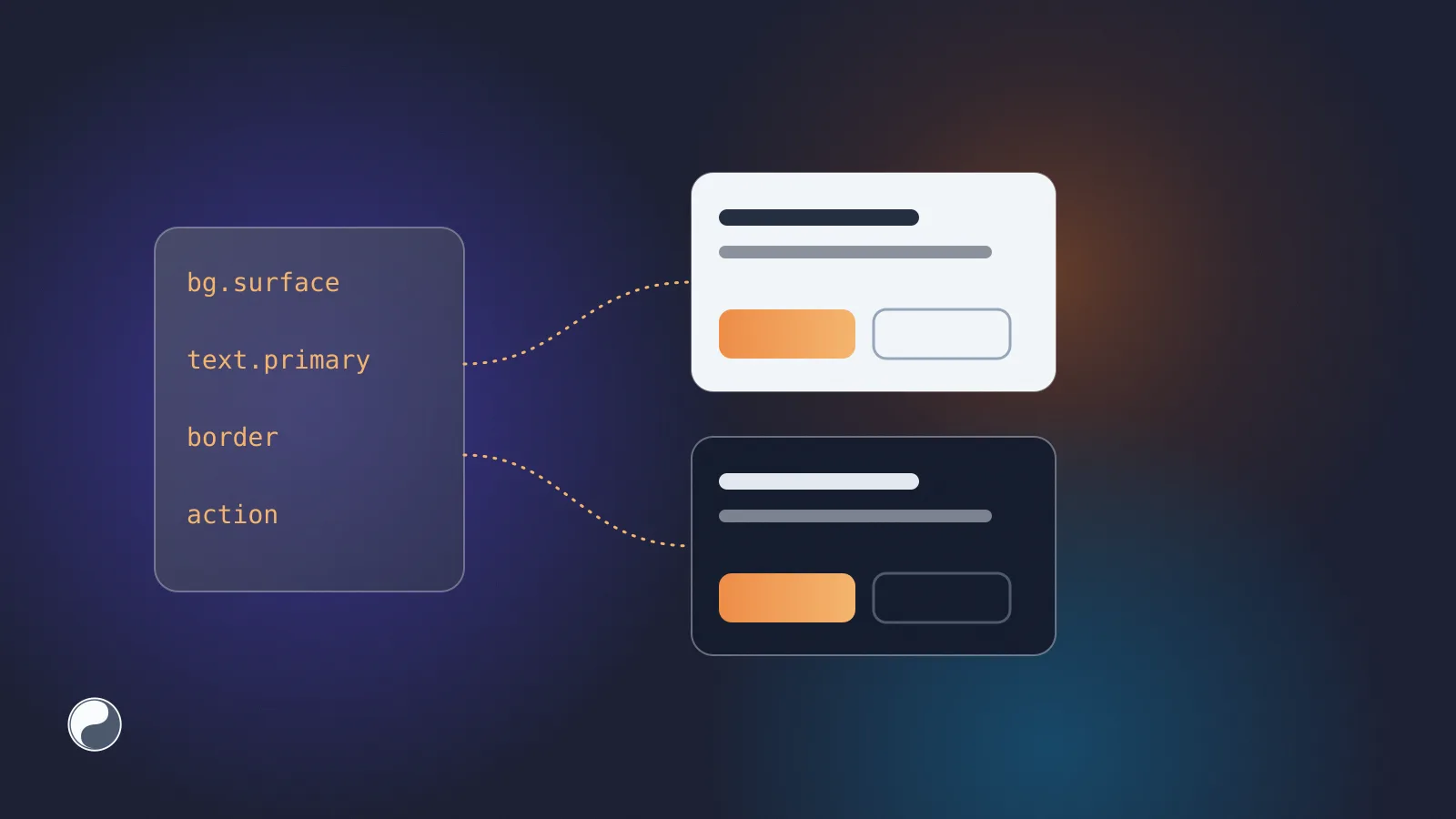
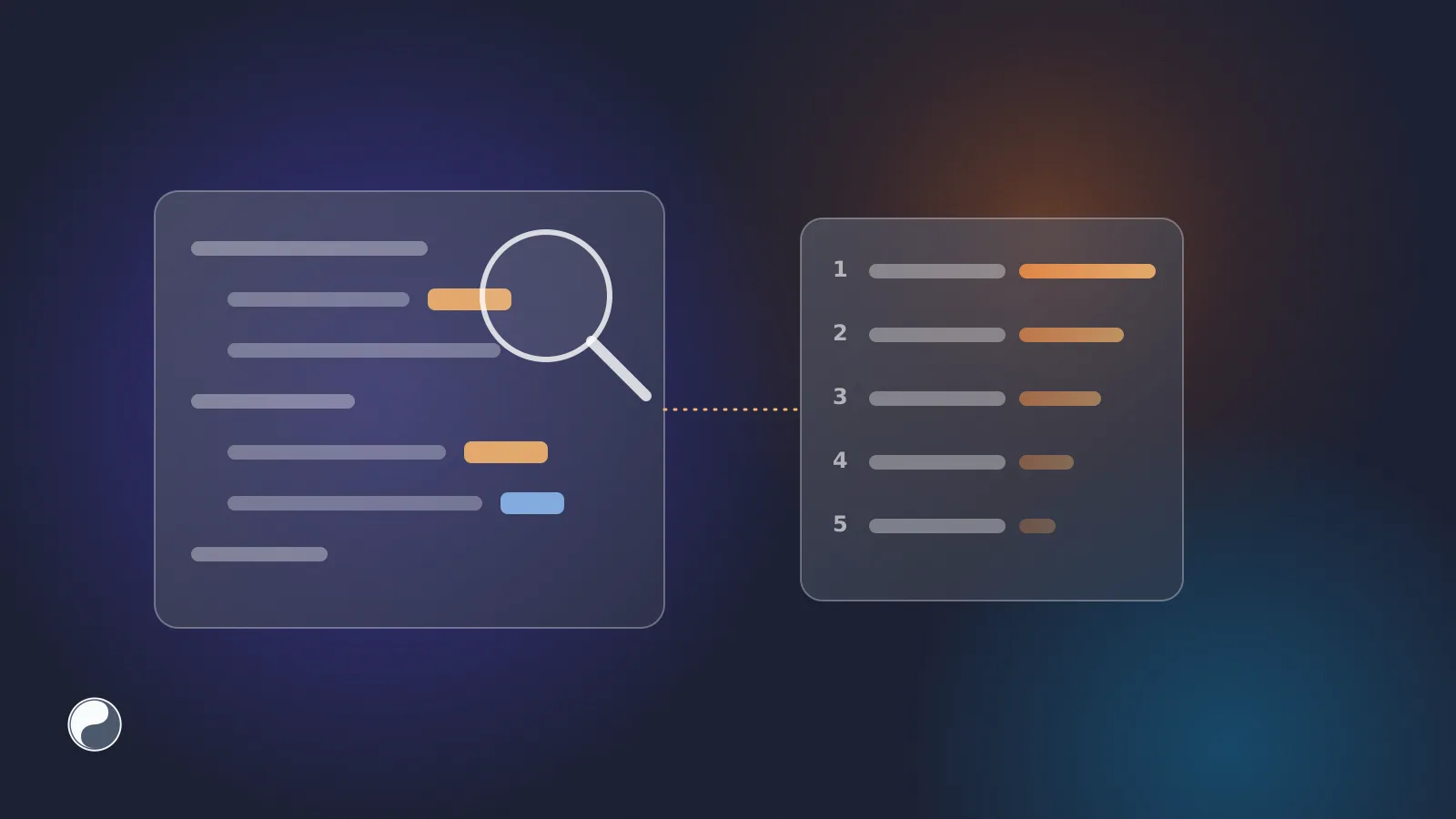
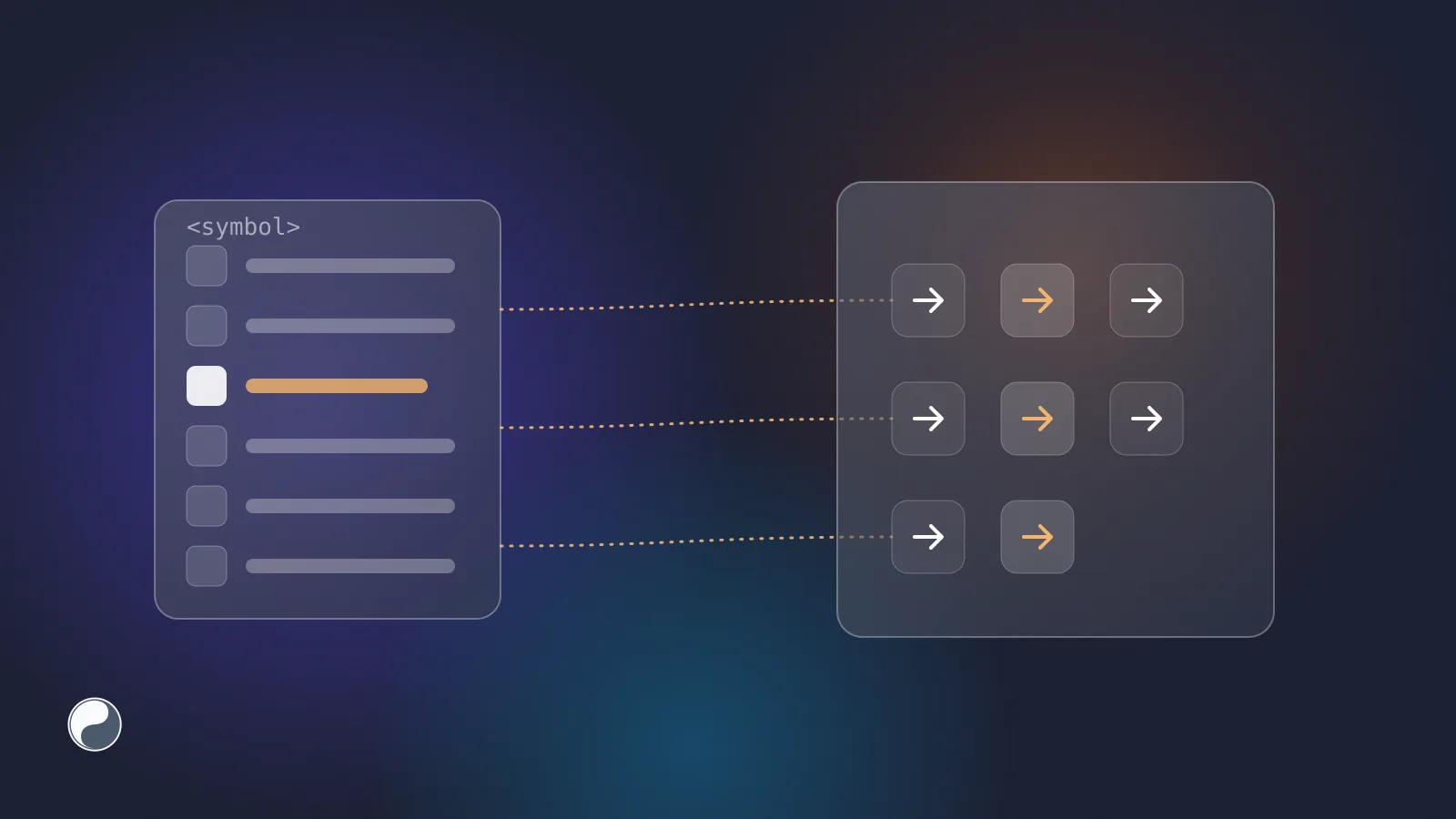
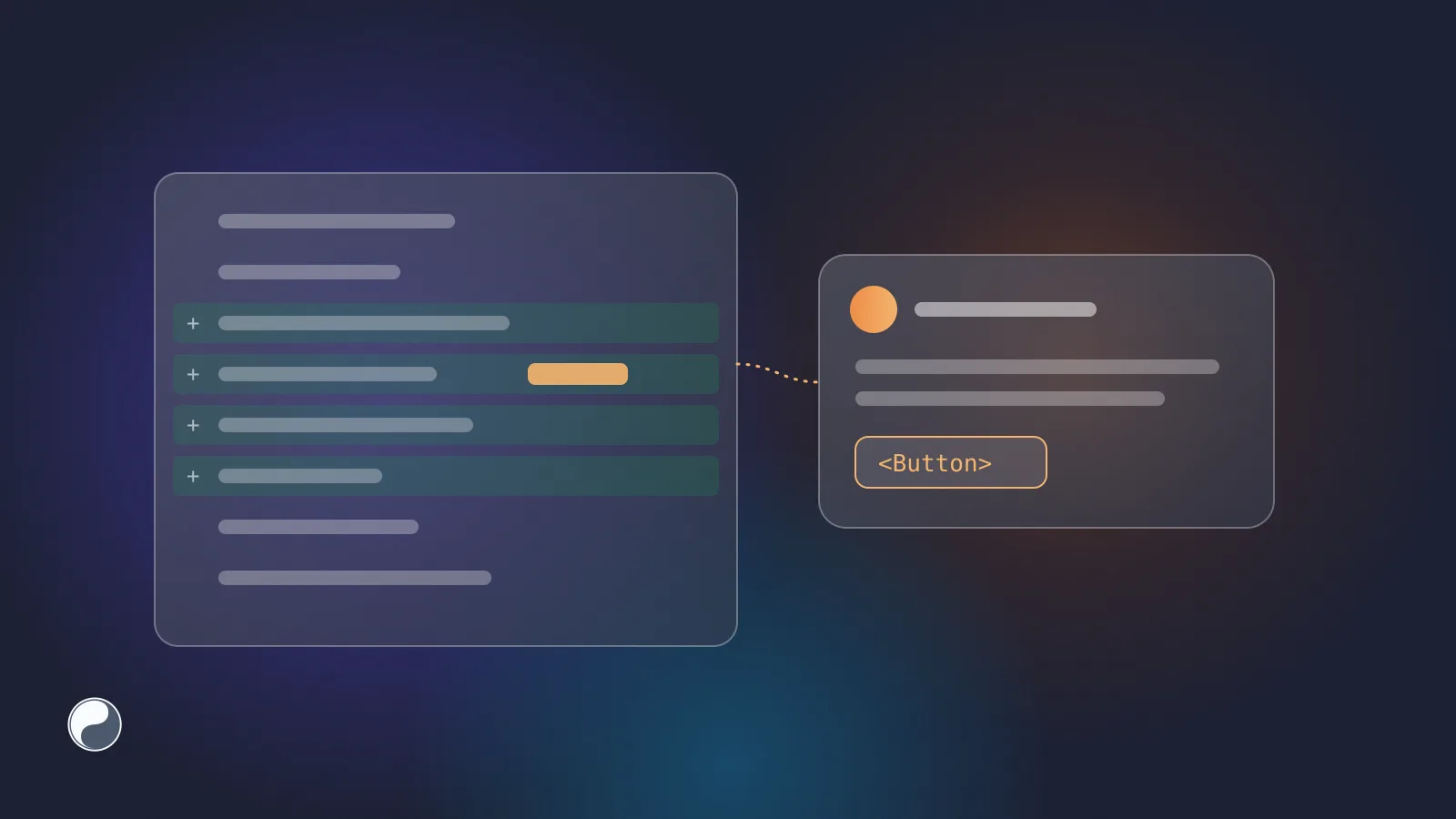
- Five kinds of findings are worth checking on every UI change: rebuilt components, values typed past the tokens, deprecated components, inlined icons and broken team rules.
- Automate the mechanical checks in the pull request, where every change passes, and leave judgement to people.
- Start with comments, not a blocking check. Make it required only when the findings are trusted.
Why the pull request is where the system gets checked
The pull request is the last point where someone can still ask whether new UI belongs in the system. And the volume is moving fast. According to GitHub's Octoverse 2025, developers "merged 43.2 million pull requests on average each month (+23% YoY)" (GitHub). AI now reviews some of it too. GitHub's post "60 million Copilot code reviews and counting" says Copilot accounts for "more than one in five code reviews on GitHub" (GitHub).
A general reviewer, human or AI, checks for bugs, style and security. Say your system ships as @acme/ui. It doesn't know it already has a Button with a loading state, or that gray.700 is a palette token your components shouldn't touch. As our note on AI agents and design systems explains, off-system UI passes tests because it works.
What to look for
A design system review has a short list. Each item is something a diff can show.
The first two come easily to an agent: it writes from general patterns unless its context says what your repository already has. Here's what that looks like in a diff (an illustrative example):
And the change a reviewer would ask for:
The fix is smaller than the original, and it inherits every state the system's Button already handles. Our guide to finding hard-coded colours in a React codebase has search patterns for the second row.
A checklist for the human reviewer
Some of this needs judgement. When a pull request adds or changes UI, a reviewer can work through five questions:
- Is there a new component file? If yes, search the design system for its name and its job before reading the code. An agent may not find an existing component unless its context points to it, so this is where duplicates start.
- Are there raw values? Colours, pixel sizes and font sizes in the diff should be tokens unless there's a stated reason.
- Does it import anything deprecated? Check the imports against the system's deprecation list.
- Does it match the design? Open the Figma frame next to the preview, and compare states, not just the default view.
- Is the exception worth keeping? Sometimes a one-off is right. Then it deserves a comment explaining why, so the next audit doesn't flag it again.
Questions 4 and 5 stay human. The first three are mechanical, and they're the ones that get skipped when a reviewer has thirty files to read.
Automating the mechanical part
The checks that can be automated should run on every pull request, the same way for human and AI code.
Lint rules. Hard-coded colours and palette tokens can be caught by a rule. A lint rule runs before review and gives the author a chance to fix things first.
Screenshot tests. They catch visual change, not system use. Playwright's toHaveScreenshot compares a page with a stored baseline (Playwright). A rebuilt button that looks identical passes a screenshot test, so this complements a design system check rather than replacing it.
A review comment from a bot. Findings are most useful where the reviewer already is. GitHub workflow commands can attach an error to a file and line with ::error file=…,line=…:: (GitHub). Tools such as reviewdog post linter output as review comments or checks (reviewdog).
A status check. A check on the commit makes the result visible in the merge box. GitHub branch protection can then require it: "all required status checks must pass before collaborators can merge changes into the protected branch" (GitHub).
Advisory first, blocking later
A new check that blocks merges on day one risks being switched off before anyone trusts it. False positives are expected at the start: a legacy screen, an approved exception, a token that exists in Figma but not yet in code.
A calmer rollout works in three steps:
- Comment only. Post findings on the pull request and let authors decide. Watch which findings people fix and which they ignore.
- Tune. Exclude generated code, mark approved exceptions, and remove rules nobody agrees with.
- Require it. When a week of pull requests passes without noise, make the check required in branch protection.
Count the findings as you go. A falling number per pull request is one signal that the context you give agents, such as rules files and design system tools, is working. Our guide to measuring design system health shows how to track it.
Where FISYCO fits
We build FISYCO to do the mechanical part of this review. When a repository is connected, a review bot reads the changed .tsx and .jsx files on every push to a pull request. It works on GitHub, GitLab and Bitbucket.
It flags rebuilt components, colours written past the tokens, deprecated components, inlined icons, changes to shared components and breaks of your team's own rules. It keeps one comment per pull request and updates it, and posts a "FISYCO design system" check. The check is advisory by default and can be switched to blocking.
The same engine answers AI agents through check_ui_code, so an agent can fix a finding before the pull request exists. Design system context for AI covers that side.