Ask an AI coding agent for a settings page and you'll get one in a minute. It compiles, the tests pass, and it looks close enough. Look at the diff and you may find a new button component, a few hex colours and a spacing scale nobody approved. The agent didn't ignore your design system. It never saw it.
This article explains the mechanics: why agents write UI that works and still bypasses the system, why the volume of that code keeps growing, and what actually helps.
Key takeaways
- 84% of developers use or plan to use AI tools, and the top frustration is code that is "almost right, but not quite" (Stack Overflow Developer Survey 2025).
- An agent only knows what's in its context. Your tokens, components and conventions usually aren't.
- Code that bypasses the system passes tests, because tests check behaviour, not whether a colour came from a token.
- Give agents the system as context, and check the result outside the model, the way you'd lint any other code.
What the agent produces
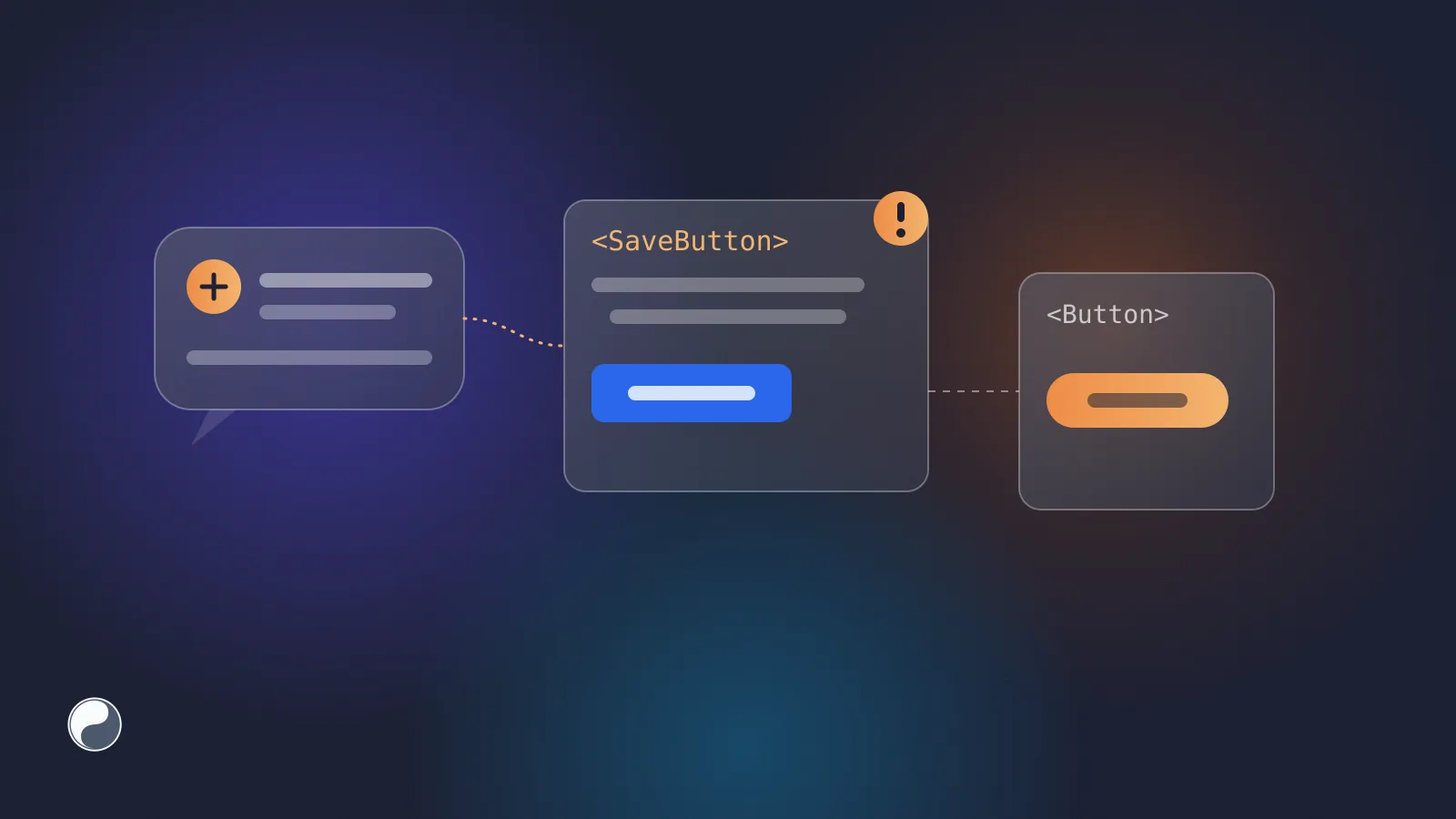
Here's the kind of component an agent writes when asked for a primary action on a settings page (an illustrative example, not output from a specific tool):
export function SaveButton({ onClick }: { onClick: () => void }) {
  return (
    <button
      onClick={onClick}
      style={{ background: "#2563eb", color: "#fff", padding: "10px 18px", borderRadius: 8 }}
    >
      Save changes
    </button>
  );
}
And here's what the team's system already had:
import { Button } from "@acme/ui";

<Button variant="primary" onClick={onSave}>Save changes</Button>
Both render a blue button. Only one follows a rebrand, a dark theme, a focus-ring fix or a change to the loading state. The generated one is a bypass: code that skips the system even though the system has what it needs.
Why agents bypass the design system
The agent sees a window, not your system
A model writes from what's in its context: the prompt, the files it opened, whatever the tool retrieved. Your design system usually lives elsewhere: a package in node_modules, a Figma library, a docs site, a token file three folders away. If none of it is in the window, the agent falls back on general patterns, and public code is full of hand-styled buttons.
DevClass, reporting on GitClear's 2025 code quality research, describes the same mechanism: "It is less likely that the AI will propose reusing a similar function elsewhere in the code, partly because of limited context size" (DevClass, 2025).
Nothing fails
The generated button has no bug a test would catch. It clicks, it saves, it has the right label. A design system violation isn't a runtime error, so CI stays green. That's the difference from a type error or a failing test: nothing forces anyone to look.
More AI code, more duplicates
AI assistance is now mainstream. In the Stack Overflow Developer Survey 2025, 84% of respondents use or plan to use AI tools, and 50.6% of professional developers use them daily (Stack Overflow). GitHub reports that nearly 80% of new developers on the platform use Copilot within their first week (Octoverse 2025).
More generated code means more UI each reviewer has to check. DevClass reports that the same GitClear analysis, covering 211 million changed lines, found that 2024 was "the first year when the number of copy/pasted lines exceeded the number of moved lines", and that blocks with five or more duplicated lines grew eightfold during the year (DevClass). A local SaveButton is the UI version of that duplication.
Developers don't fully trust it either
Developers aren't naive about this. In the same survey, more respondents distrust the accuracy of AI tools (46%) than trust it (33%), and 66% name "AI solutions that are almost right, but not quite" as their top frustration. An off-system component is the UI version of almost right.
How to keep AI-generated UI on the system
Brad Frost, writing about his AI and design systems course, puts the stakes plainly: generative AI "can make a huge mess", and design systems "deliver quality UI infrastructure and crucial organizational context that can help keep AI on the rails" (Brad Frost, 2025). In practice, that means two layers.
1. Give the agent the system
The agent can only reuse what it can find. Three ways to put the system into its context, from simplest to strongest:
A rules file is the cheapest start. A few lines in AGENTS.md or your editor's rules file already change what the agent reaches for:
## UI
- Build UI from `@acme/ui`. Check its exports before writing a component.
- Never hard-code colours, spacing or radii. Use tokens from `@acme/tokens`.
- A button is always `Button` from `@acme/ui`, with `variant` and `loading`.
The Model Context Protocol (MCP) is the third option: a standard way for an agent to call tools during a task. A design system tool can answer before the agent writes anything. An exchange might look like this (illustrative):
agent → find_component("button with a loading state")
tool  ← Button from @acme/ui
        props: variant = "primary" | "secondary", loading: boolean
        used in 142 files; example: <Button variant="primary" loading={saving}>
        deprecated: LegacyButton, use Button instead
The agent now has a reason to import Button instead of writing SaveButton.
2. Check the result outside the model
Context lowers the rate of bypasses; it doesn't bring it to zero. So the check has to live where every change passes: in the pull request.
- Lint for bypasses. Hard-coded colours, raw spacing and palette tokens can be caught by a rule, the same way for human and AI code. Stylelint's
color-no-hex(for stylesheets) and Atlassian'sensure-design-token-usageare two examples; our note on finding hard-coded colours in a React codebase has search patterns you can turn into your own. - Flag duplicate components. A new file that renders a
<button>with inline styles, in a repository that has aButton, is worth a review comment. - Measure the trend. Count bypasses per week. If the number rises as AI use rises, the context layer isn't working yet. Our guide to measuring design system health shows how to count.
Where FISYCO fits
We build FISYCO, and it covers both layers. Its MCP server answers agents before they write UI: which components exist, how they're called in this repository, what's deprecated. Every call is logged, so a design system lead can see how often agents reused the system and what they couldn't find. It logs the tool call, not your source code or the agent's prompt. On the other side, FISYCO indexes the code and reports bypasses of tokens and components in its health report.