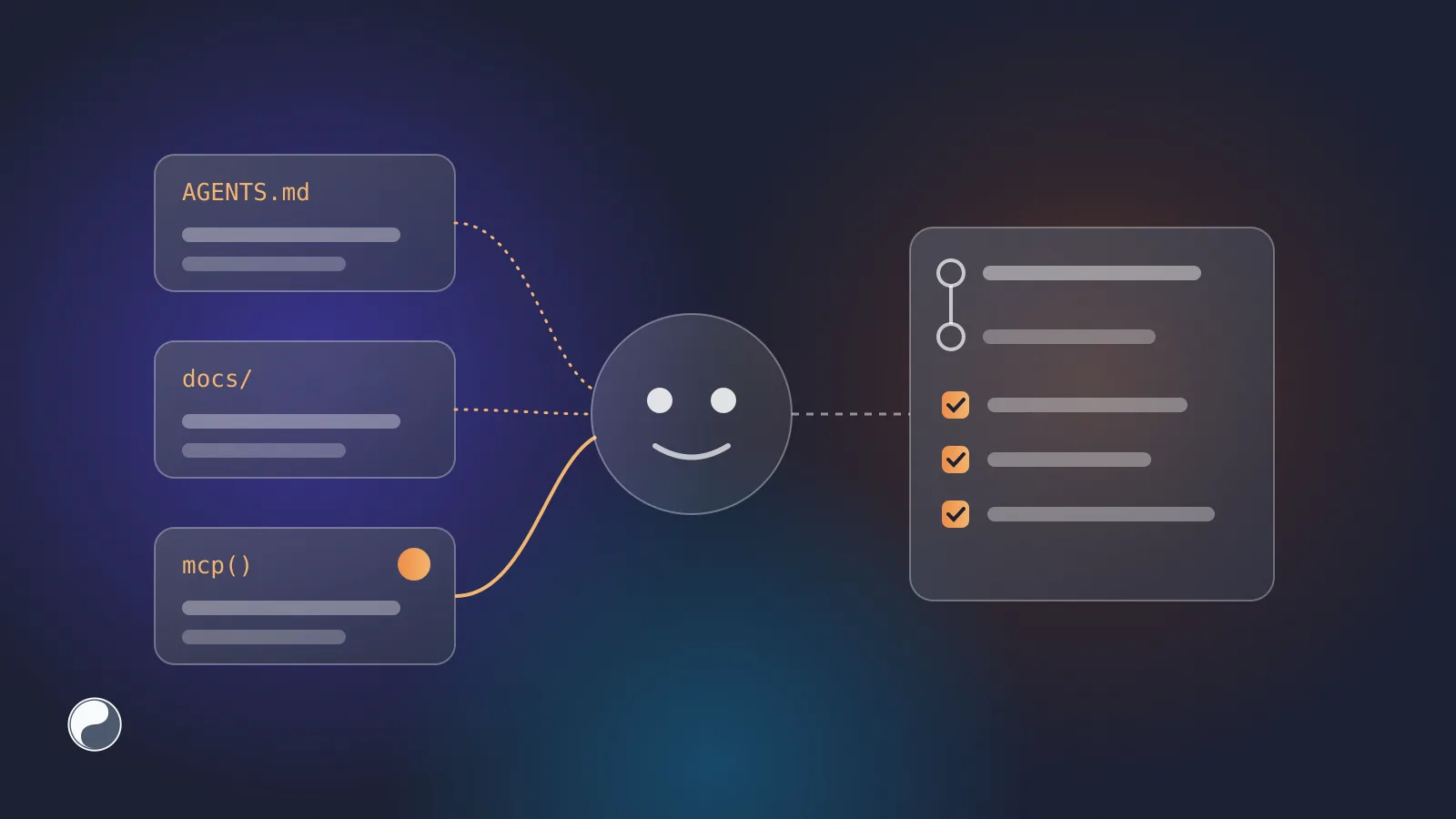
If an AI agent doesn't know your design system, the fix sounds obvious: tell it. In practice there are three ways to do that, and they fail in different ways. A rules file is easy and unenforced. Docs in the prompt go stale. A tool the agent can call is live, but only as good as the answers behind it.
This article compares the three ways to give agents design system context, shows what the large public design systems are doing, and ends with the rule that matters most: whatever context you give the model, check the result outside it.
Key takeaways
- Rules files (
AGENTS.md,CLAUDE.md, Cursor rules, Copilot instructions) are context, not enforcement. Claude Code's docs say so in those words.- MCP lets an agent ask your design system questions while it works. Tools are "model-controlled"; resources are context the application provides (MCP specification).
- GitHub Primer, Atlassian, Storybook and Figma all ship MCP servers for their design systems or design data.
- The check that catches what slipped through has to live outside the model: in the pull request.
Three ways to give an agent context
Rules files
The coding agents most teams use read a file of project instructions. The file names differ:
AGENTS.md is the closest thing to a shared standard. It describes itself as "a simple, open format for guiding coding agents" and says it's used by over 60,000 open-source projects. It's now stewarded by the Agentic AI Foundation under the Linux Foundation (Linux Foundation, 2025).
The files also differ in scope, which matters for a design system that covers only part of a repository:
AGENTS.mdcan sit in any folder. When several apply, "the closest one takes precedence", and "e]xplicit user chat prompts override everything" ([agents.md).- Cursor rules have apply modes: always, when the model decides they're relevant, for files matching a pattern, or only when mentioned (Cursor).
- Copilot path-specific instructions take an
applyTopattern, so UI rules can apply to component folders only (GitHub).
A design system rule belongs where the UI code is: a file in the app folder, or a rule scoped to component files.
A few lines already help:
The limit is in Claude Code's own documentation: a CLAUDE.md is "context, not enforced configuration". The agent reads it; nothing makes it follow it. The same docs suggest keeping each file under 200 lines.
Docs in the prompt
Pasting component documentation into the context works for a single task. It doesn't scale: a design system has dozens of components with props, variants and deprecations. Retrieval helps with size, but the answer is only as current as the last time the docs were indexed. A pasted copy has no update path at all.
A tool the agent can call
Anthropic open-sourced the Model Context Protocol in November 2024 as "a new standard for connecting AI assistants to the systems where data lives" (Anthropic). It gives agents a standard way to call tools during a task. The spec separates two kinds of things a server offers:
- Tools are "model-controlled": the model decides when to call them, for example "find a component for a button with a loading state".
- Resources "share data that provides context to language models", each with a URI, for example a guide to the design system that the client loads.
A design system maps onto both: search and checks are tools, guides and token lists are resources. When the Agentic AI Foundation formed, the Linux Foundation counted more than 10,000 published MCP servers (Linux Foundation, 2025).
What design system teams are shipping
Several large public design systems now offer the third option:
- GitHub Primer ships
@primer/mcp, a local server "that connects AI tools to Primer design tokens, components, patterns, icons, and more". Its tools includefind_tokensandlint_css(Primer). - Atlassian publishes an MCP server (
@atlaskit/ads-mcp) and a CLI for its design system (Atlassian). In a later write-up, the team tested both on "a bank of real front-end tasks, each graded automatically". The CLI finished 8% faster and used 8% fewer tokens than the MCP server (Atlassian, 2026). - Storybook has an MCP add-on that serves stories and docs to agents, still marked "in preview" (Storybook).
- Figma runs an MCP server for design files, and says "Code Connect keeps your generated code consistent with your codebase" (Figma).
Our reading of Atlassian's result: the transport matters less than giving agents structured, current answers.
These servers answer the agent's questions while it writes. Whether the result still matches the system is a separate step, and it belongs in the pull request.
What works: rules, a live tool and a check in the pull request
Each approach in the table breaks somewhere. A working setup covers each weak spot with the next layer:
- A short rules file that points at the real sources: "check
@acme/uifirst; use tokens; ask the design system tool before writing a component". It's cheap, but nothing checks it, so it shouldn't carry the details. - A tool for live answers, instead of pasted docs that go stale. It covers component search with confidence, tokens with the names they have in code, and deprecations with replacements. The agent asks at the moment it needs to decide.
- A check outside the model, because a tool is only as good as its data and the agent can still ignore it. Lint rules and a review bot in the pull request catch the bypasses the first two layers missed. They work the same for human and AI code. See how to find hard-coded colours in a React codebase for the patterns.
The third layer also gives you numbers. Counting bypasses per pull request shows whether the first two layers are working; our guide to measuring design system health shows how.
Where FISYCO fits
We build FISYCO around the same three layers. Its MCP server answers from your own repository and Figma libraries:
find_design_system_componentreturns candidates with a confidence level;get_design_tokensreturns tokens with their CSS and TypeScript names;get_design_system_rulespasses the team's rules to the agent;check_ui_codereviews a snippet before it becomes a pull request, with the same findings the review bot posts on the pull request itself.
Every call is logged, so you can see how often agents reused the system and what they couldn't find. Why your AI agent doesn't know your design system covers the problem this solves.