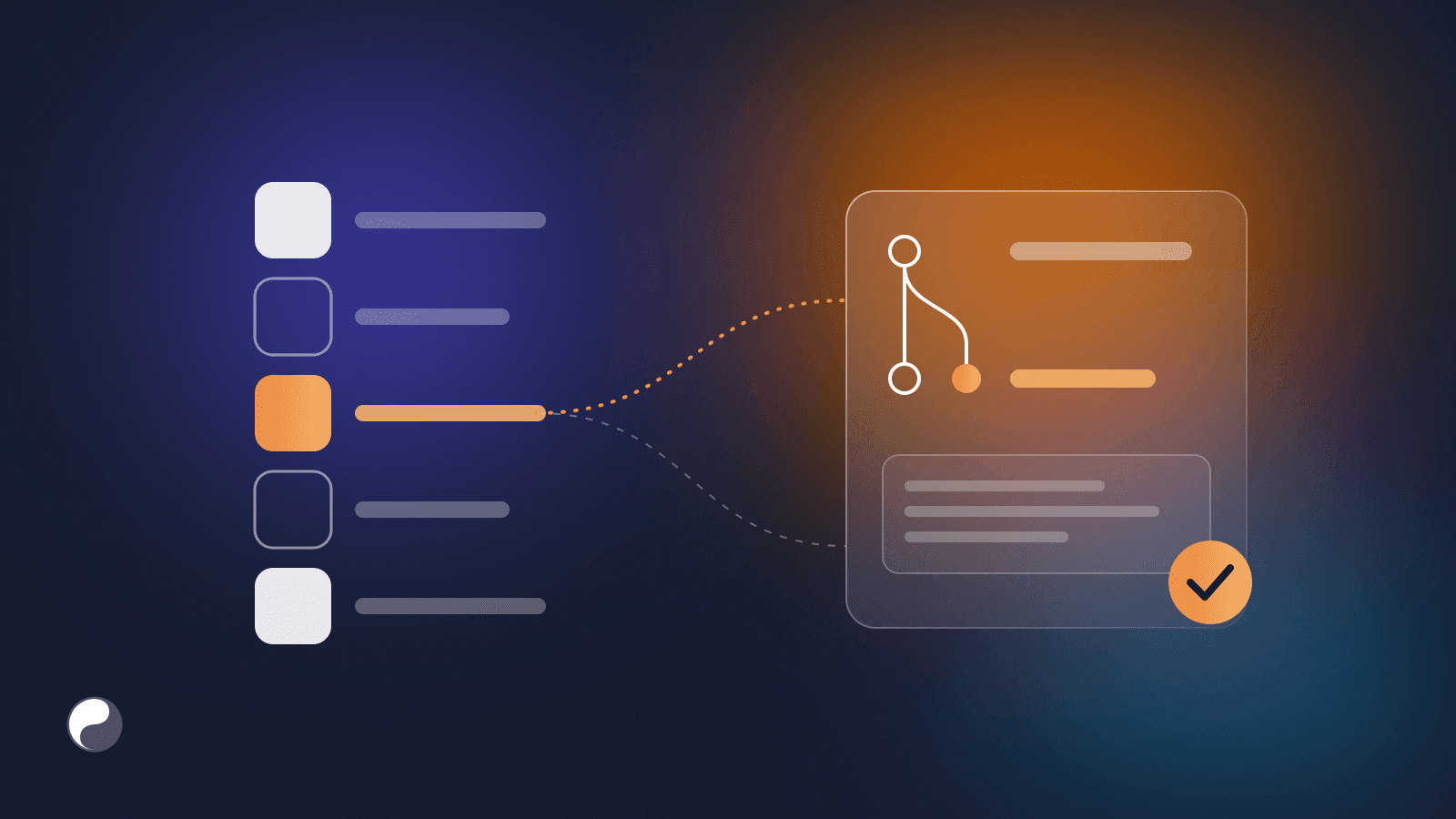
Design tokens are meant to be the single source of truth for colour, spacing and type. In many teams they're a file someone updates by hand when a release forces it.
This guide describes a workflow that moves design tokens from Figma to code without manual exports. It rests on three moves: name tokens by purpose, compare instead of copying, and deliver every change as a pull request. We build FISYCO, a tool that automates this workflow, and the lessons below come from building it.
Key takeaways
- Only 40% of design system teams have any token pipeline; the rest sync tokens between design, docs and code by hand (zeroheight Design Systems Report 2026, 147 practitioners).
- Name tokens by purpose (bgColor-default), not by value (gray-0), so a rebrand changes values, not names.
- Identify tokens by a stable ID, not by name, so a rename is detected as a rename instead of a delete plus an add.
- Deliver every change as a reviewed pull request, and trigger the sync from a Figma library publish.
Why manual token exports break
Manual exports break because they depend on people repeating a long chain of steps perfectly. A design token is a named design decision, such as a colour or a spacing step, and it only helps when design and code agree on it. A typical manual export looks like this:
- Open Figma and find the collection.
- Run a plugin or copy the values.
- Pick the right mode.
- Paste into the right file and fix the formatting.
- Open a pull request.
Miss one step and code quietly drifts from design. A manual export also hides what changed. When the whole token file is regenerated at once, reviewers see hundreds of changed lines and approve them on trust. A renamed token and a changed brand colour look the same in that diff.
Access is part of the problem too. Figma's Variables REST API is available only on the Enterprise plan, so many teams can't read variables from a script at all. A Figma plugin has no such limit: it can read the variables defined in a file on any plan and send them to your pipeline.
Step 1. Name tokens by purpose
Names are the contract between design and code. A value name describes what a token is. A purpose name describes what it's for.
GitHub's Primer system is a good public model. It separates base tokens that map directly to raw values, such as base-color-green-5, from functional tokens such as bgColor-inset and component tokens such as button-primary-bgColor-hover (Primer token names). Nathan Curtis's taxonomy of token names (2020) splits names into base, modifier, object and namespace levels, and advises one consistent convention without homonyms.
The practical rule: keep a small base layer for the palette, and let components use only the purpose layer. Purpose names survive a rebrand. Value names turn into lies: after the rebrand, blue-500 is green.
Step 2. Compare instead of copying
Instead of overwriting the token file, compare the two sides and describe the difference:
- Names: which tokens were added, removed or renamed.
- Values: which tokens changed, and from what to what.
- References: whether a purpose token now points to a different base token.
bgColor-accentmoving fromblue-500toblue-600is a reference change, and the diff should say so instead of showing two raw hex values. - Modes: whether light and dark changed together. In Figma, a variable holds one value per mode (Figma Help Center), so one mode can drift on its own.
A rename is the most dangerous case. If a diff matches tokens by name, a rename looks like "one token deleted, another added", and every usage of the old name breaks. Match tokens by the stable ID Figma assigns in the source library file, and a rename shows up as what it is. The same pull request should then rename every usage in code, or keep the old name as a deprecated alias for one release.
Only judge the sources you actually read. We learned this the hard way: an early version of our sync read only Figma styles on one run and treated every variable that came from the plugin as deleted. A diff must compare like with like.
Step 3. Deliver changes as a pull request
A token change should reach code the same way as any other change: through a pull request the team reviews. The description matters more than the generated file, because it's what the reviewer actually reads. For example (illustrative):
Tokens: 1 reference changed, 1 value changed, 1 added, 1 renamed
~ bgColor-accent   light: {blue-500} → {blue-600}
~ fgColor-muted    dark:  #8b949e → #9198a1
+ bgColor-inset
→ gray-bg renamed to bgColor-default (same Figma ID)
The reviewer checks intent instead of every line. One more rule: the baseline should move only when the pull request is merged. Until then, the change is proposed, not shipped.
Never let an automated sync push straight to the main branch. The pull request is where the team notices a change nobody expected.
Step 4. Trigger the sync from Figma
Once the pipeline is reliable, take people out of the trigger. Figma's LIBRARY_PUBLISH webhook reports created, modified and deleted variables, styles and components for each library publish. A publish starts the sync. The sync opens or updates a pull request, and the team reviews and merges it.
Webhook availability and limits depend on your Figma plan, so check yours before you rely on them. A manual "sync now" button is a useful fallback either way.
Where the DTCG format fits
In October 2025 the W3C Design Tokens Community Group published its first stable specification, version 2025.10 (W3C DTCG). It is a Community Group specification, not a W3C Standard. Figma announced native import and export of variables in that format (Figma Blog).
A shared file format makes exports easier. It doesn't decide what changed, who reviews it or when it ships. That's still the pipeline's job.
Frequently asked questions
Do we need the Figma Enterprise plan to automate tokens?
Not necessarily. The Variables REST API requires Enterprise, but a Figma plugin can read the variables defined in a file on any plan and send them to your pipeline.
Which format should the code side use?
Whatever your stack consumes: CSS custom properties, SCSS, TypeScript or JSON. Use DTCG as the exchange format and generate the rest from it.
What about tokens that exist only in code?
List them in the comparison too. A value that exists only in code is either missing from design or should be removed, and someone should decide which on purpose. Tracking these gaps over time is part of measuring design system health.
How FISYCO runs this workflow
We build FISYCO around this workflow. It reads variables and styles from your Figma file and compares them with the last merged version by stable ID. It then delivers the difference to your repository as a pull request, in JSON, CSS, SCSS or TypeScript, by hand or after every publish in Figma. Variables come through the FISYCO plugin for Figma, so this works on any plan. For the full picture, see what FISYCO does today.