Style Dictionary is a widely used open-source build tool for turning a design tokens file into code. The basics fit on one screen, but the details decide whether the output survives a real design system: references, modes, units and renames.
This guide builds CSS, SCSS and TypeScript from one W3C DTCG token file with Style Dictionary 5.5.5, the current release. Every output below comes from an actual build of a small light and dark theme, including one experiment: what happens to each output when a token is renamed.
Key takeaways
- Style Dictionary v5 reads DTCG files directly; the 2025.10 format is supported only in part so far (Style Dictionary DTCG docs).
- Turn on
outputReferencesso--bg-accent: var(--color-blue-500)stays a reference instead of a copied value.- Build each mode from its own file and give each one a selector:
:rootfor light,[data-theme="dark"]for dark.- A renamed token breaks SCSS and TypeScript at build time. In CSS it fails silently, so keep the old name as an alias for a release.
The input: one DTCG file per mode
Style Dictionary v5 needs Node 22 or later (v5 migration guide) and detects the DTCG format on its own. Our input is a light file and a dark file in the 2025.10 format, as FISYCO, the tool we build, exports them from Figma variables. The part that matters looks like this:
Colours use the structured form the 2025.10 format introduced, which Style Dictionary reads from version 5.3.0. bg.accent is a reference, not a hex value. In the dark file it points at color.blue.300.
A config for three outputs
One config, three platforms. Style Dictionary ships transform groups for CSS, SCSS and JavaScript; there's no separate TypeScript group, so TypeScript declarations come from the js group.
Install it with npm i -D style-dictionary, save the config as build.mjs (it uses ES modules and top-level await) and run node build.mjs. The buildPath needs its trailing slash, and the build prints one line per written file.
What comes out
CSS custom properties, with the reference kept:
SCSS variables, also with the reference kept:
And TypeScript: values in tokens.js, types in tokens.d.ts, names in PascalCase:
outputReferences is the option to check first. Without it, --bg-accent is a frozen copy of #2563eb: a theme that overrides --color-blue-500 won't reach it, and the mode files below couldn't point at the palette. With it, the relationship from the design file survives into the stylesheet. JavaScript output resolves values either way: BgAccent is "#2563eb".
Numbers need units
Look at --space-200: 8 again. A Figma number variable has no unit, so the file stores it as number, and CSS gets a bare 8. padding: var(--space-200) is then invalid. The built-in size/px transform won't help, because it only applies to dimension and font-size tokens.
A custom transform fixes it in a few lines. Scope it by path, so opacity or z-index numbers stay unitless:
Add transforms: ["size/px-from-figma"] next to transformGroup in the CSS platform, and the build writes --space-200: 8px.
Typography has a quirk of its own. The CSS transforms collapse a typography token into the font shorthand, 400 16px/1.5 Inter, and the shorthand has no letter spacing. Style Dictionary warns about it on every build ("Unknown CSS Font Shorthand properties"). If letter spacing matters, emit typography as separate properties with your own format.
Light and dark
The 2025.10 Format Module has no modes. Themes belong to a separate Resolver Module, which Style Dictionary 5.5.5 doesn't read yet, so each mode is its own file. Build them in a loop and give each one a selector:
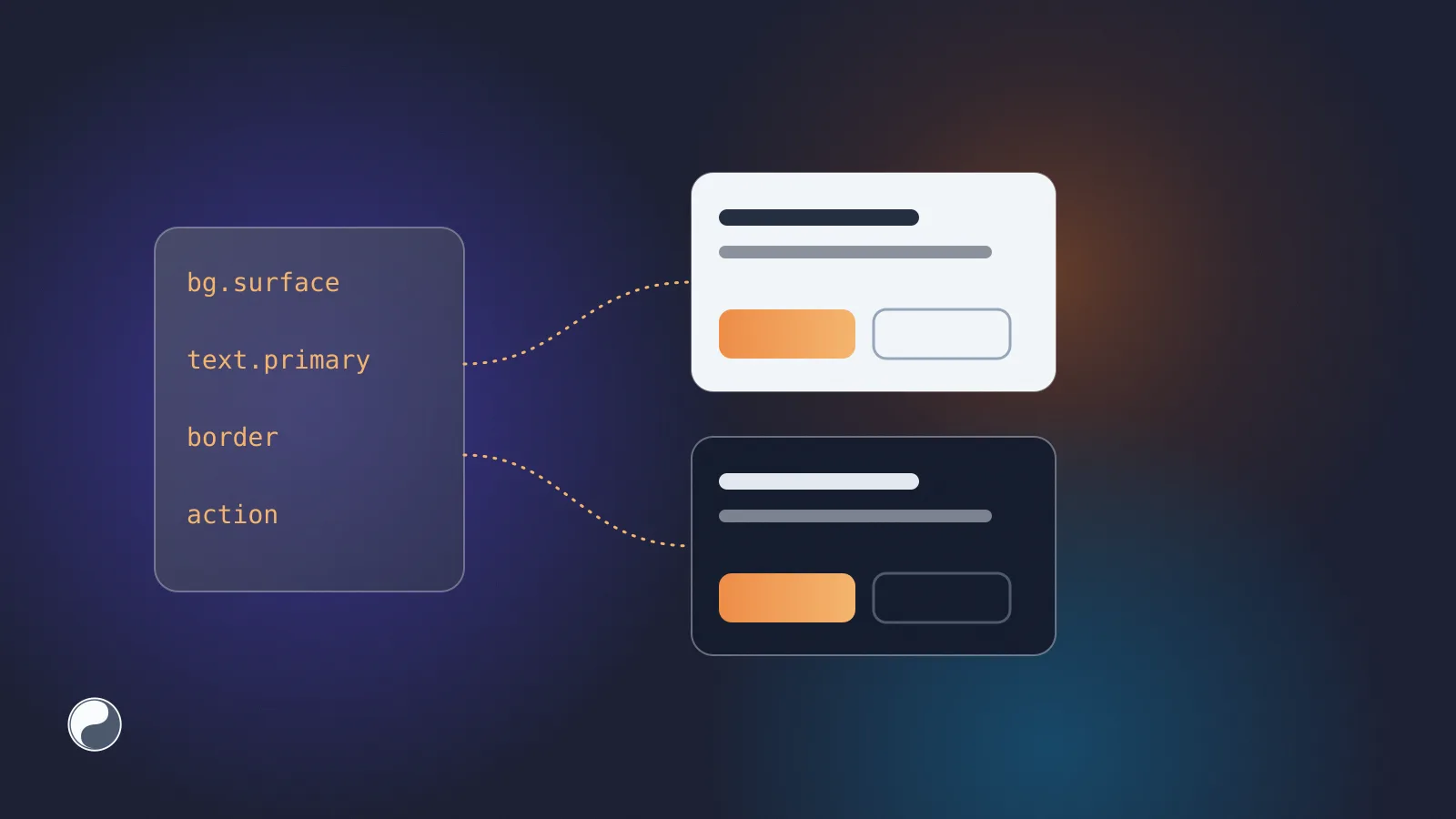
The dark file then holds only what changes:
The filter keeps the palette out of the mode files, but Style Dictionary now warns that "filtered out token references were found". Here that's intended: --color-blue-300 lives in the base stylesheet, which you load first. If you see the warning without meaning it, a reference points at a token you didn't ship.
The experiment: rename one token
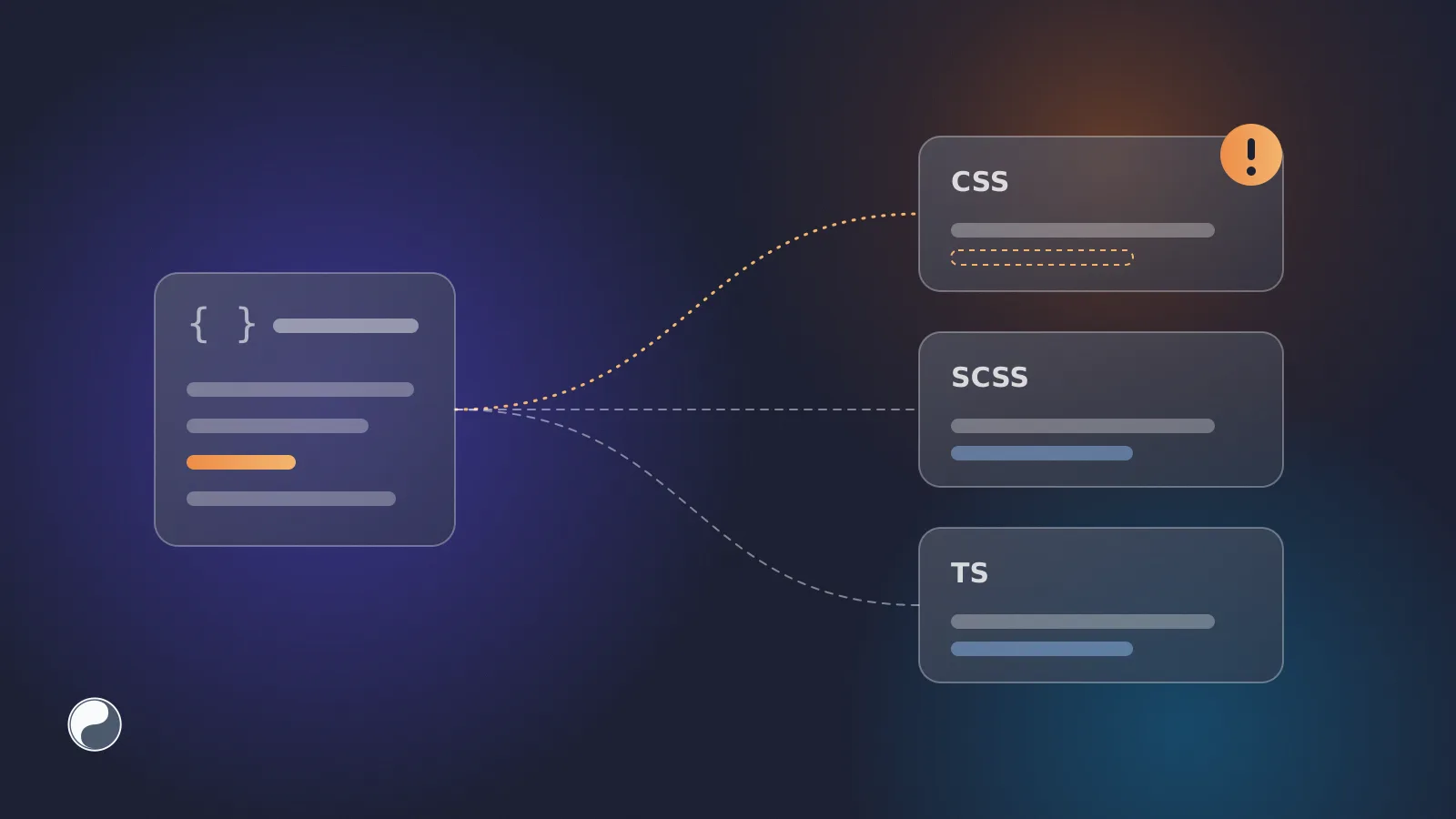
Design systems rename tokens. We renamed bg/accent to bg/brand and kept its Figma variable ID, as a rename in Figma does, then re-ran the export and rebuilt. Style Dictionary did exactly what it was told:
Then we pointed three consumers at the new build, each still using the old name.
CSS raised no error at all. background: var(--bg-accent) now references a property that doesn't exist, so the browser treats the declaration as unset (MDN: invalid values), and the background falls back to transparent. The button ships without its colour.
So the loudest outputs are the safe ones. CSS breaks silently, and a fallback like var(--bg-accent, #2563eb) only hides it.
Two habits make renames safe:
- Keep the old name as an alias for one release. Add
"accent": { "$type": "color", "$value": "{bg.brand}" }back underbg, and the build writes--bg-accent: var(--bg-brand). Old code keeps working while you migrate. DTCG 2025.10 also defines$deprecatedfor this, but check how your Style Dictionary version handles it before relying on it. - Know a rename is a rename. A diff of names alone shows one deletion and one addition. The variable ID in
$extensionsshows it's the same token, so a tool that compares IDs can report a rename instead of leaving reviewers to guess (why token IDs beat names for rename detection).
Where this leaves your pipeline
Style Dictionary is a good last step: it's configurable and reads the standard format. It doesn't decide what goes into the token file or when a change is safe to ship. Those are the questions design system drift comes from, and they belong in review, before the build.
Need a DTCG file to start from? Here is how to get Figma variables out on any plan.