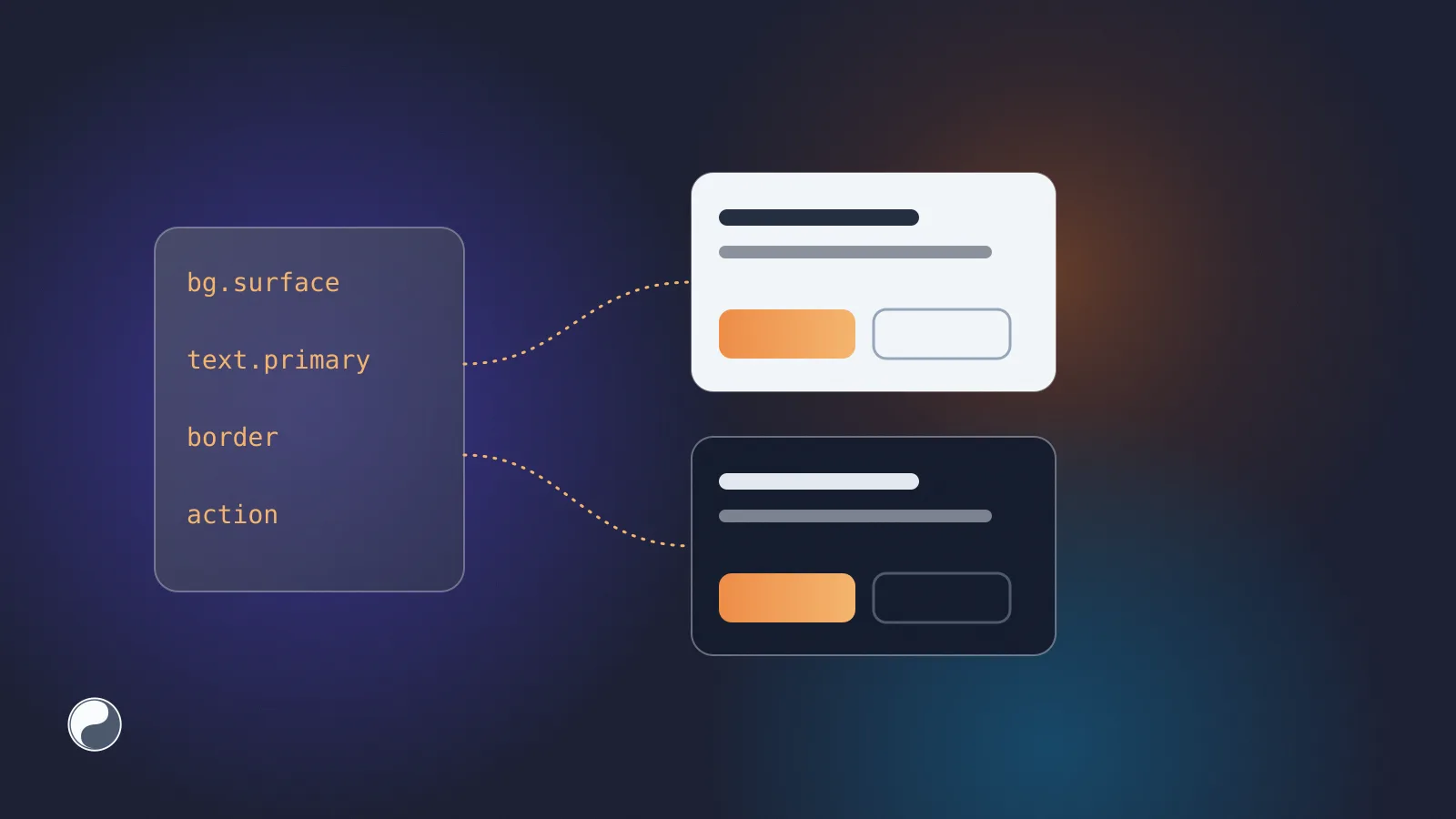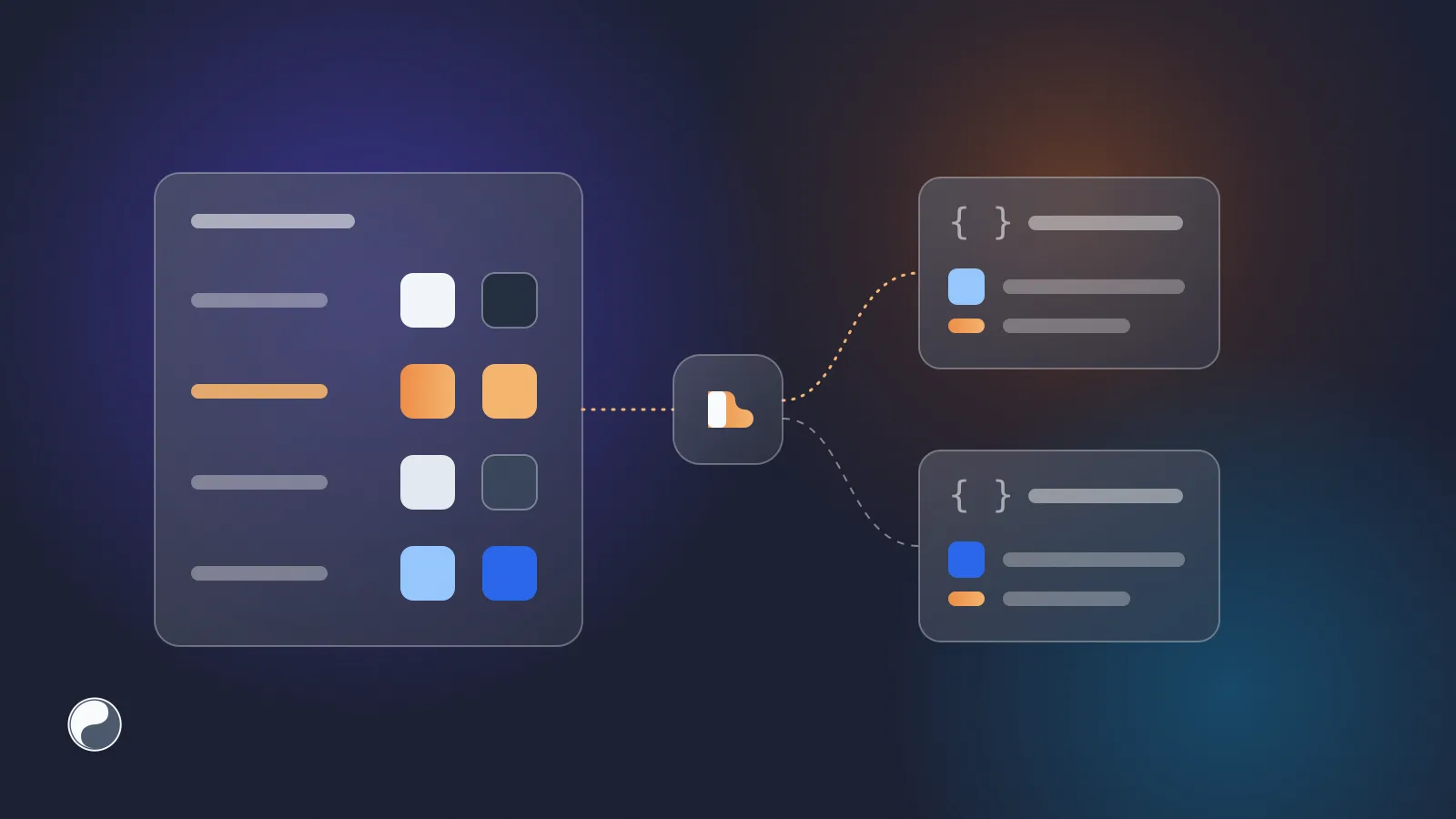
Figma Variables hold the decisions your code needs most: colours, spacing and the light and dark values behind them. Getting them out of Figma is harder than it looks, because the one official API that reads them is reserved for the Enterprise plan.
This guide compares the three ways variables leave Figma today, shows what a good export file looks like, and explains how a plugin closes the gap on other plans. We build FISYCO, and its Figma plugin takes the third path, so we'll be specific about where each path stops.
Key takeaways
- Figma's Variables REST API is available only on the Enterprise plan (Figma plans and features).
- Figma can export a mode as DTCG JSON, but only by hand from the Variables panel.
- A plugin reads the local variables of the open file through the Plugin API, so it doesn't depend on the Enterprise-only REST API.
- Whatever the path, commit DTCG files with references intact: Figma can import them and Style Dictionary v5 can build them.
Why variables are hard to reach
Styles and variables look alike in the Figma UI, but they sit behind different doors. Figma's plan comparison lists the Variables REST API in the Enterprise column only (Figma plans and features). Even on Enterprise, the endpoints need a full seat in the organisation and the file_variables:read scope; guests can't use them (Variables REST API).
Modes are limited by plan too. The same comparison lists modes as not available on Starter, up to 10 per collection on Professional, up to 20 on Organization and unlimited on Enterprise. A team on Professional can build a full light and dark theme in variables and still have no script that reads it.
That gap is where drift starts. If a developer can't read the source, they copy values by hand, and production quietly drifts from the design.
Three ways to get variables out of Figma
The REST API
GET /v1/files/:file_key/variables/local returns every local variable with its ID, name, type, valuesByMode, scopes and code syntax, plus collections with their modes (Variables endpoints). The published endpoint returns less: no modes, only what's in the library's main file.
If you're on Enterprise, this is the strongest path, because a job can run on a schedule or on a library publish webhook. The output is Figma's own shape, though. An alias arrives as a variable ID, not a readable reference, so you still write the conversion to code.
Native export
Figma's Help Center describes exporting from the Variables panel: right-click a mode and choose Export mode, or right-click a collection and choose Export modes (Modes for variables). The output is JSON in the Design Tokens Community Group (DTCG) format.
The format is the right one. The trigger isn't: there's no documented API for it, so every export is a person clicking through modes and committing files. If you plan around it, check that Export mode appears in your Variables panel first.
A plugin in the open file
A plugin runs inside the open file. The Plugin API reads that file's local variables with figma.variables.getLocalVariablesAsync(), including valuesByMode and aliases to other variables (figma.variables). It doesn't go through the REST API, so the Enterprise limit doesn't apply.
Two limits matter. A plugin only runs when someone runs it. And it reads variables of the current file: for variables from a team library it gets names and keys, not values, until it imports them.
What a good export file looks like
The format matters more than the path. The Design Tokens Community Group's Format Module 2025.10 is the first stable version of the format. It's a W3C Community Group report, not a W3C Standard, and it's the version this guide uses. Here's the light-mode file for a small example theme, as FISYCO's exporter writes it (trimmed):
Four details make it useful downstream:
- References stay references.
bg.accentpoints at{color.blue.500}instead of repeating#2563eb. Change the base colour and every token that uses it follows. - One file per mode. The Format Module has no concept of modes. A companion Resolver Module covers themes such as light and dark, but Style Dictionary 5.5.5, for one, doesn't read it yet, so each mode gets its own file:
design-tokens.light.tokens.jsonanddesign-tokens.dark.tokens.json. In the dark file of this example,bg.accentpoints atcolor.blue.300. - Each file is complete. A token from a single-mode collection appears in every mode file. Otherwise a reference in the dark file would point at nothing. Figma's import has the same rule: it only creates variables for tokens present in all imported files (Modes for variables).
- A stable ID travels with the token.
$extensionscarries the Figma variable ID. When someone renamesbg/accent, the ID stays the same, so tools can report a rename instead of a deletion plus an addition.
The format asks tools to preserve extensions they don't understand, so the ID doesn't get in anyone's way. On the code side, Style Dictionary v5 builds these files into CSS variables and JavaScript with TypeScript declarations, though its support for 2025.10 is still marked as in progress (Style Dictionary and DTCG).
Choosing a path
- On Enterprise, with someone to maintain a script: use the REST API and trigger it from a library publish.
- A handful of updates a year: native export is enough. Commit the files through a pull request, not straight to the main branch.
- Regular updates on Professional or Organization: use a plugin, and make sure what it writes is DTCG with references intact.
How the FISYCO plugin does it
The FISYCO plugin is published in Figma Community. The first run takes a few minutes:
- Connect a repository to your project in FISYCO. Pull requests with the tokens go there.
- Start a tokens library and paste the Figma file link. At the variables step, FISYCO waits for the plugin.
- In Figma, open the same file, run the plugin and click Connect. A FISYCO page opens in your browser: type the code the plugin shows and approve access. The plugin itself never handles your password.
- Click Send variables. The plugin reads local variables and their values in every mode and sends them to FISYCO. Back in the browser, pick the groups and output formats: DTCG, CSS variables, TypeScript, JSON.
After that, every send shows what changed in the library's history. You open the pull request with Create PR, or turn on automatic pull requests after each sync. A Refresh tokens button also appears in the file's properties panel, so the next update is one click. Styles don't need the plugin: FISYCO reads them over the REST API.
We chose this path because the REST API shuts out every team below Enterprise. The trade-off is the one above: a person starts each update. The pull request is where that update gets reviewed, as in our guide to moving tokens from Figma to code.
Sending variables to code without an Enterprise plan is what the plugin is for.