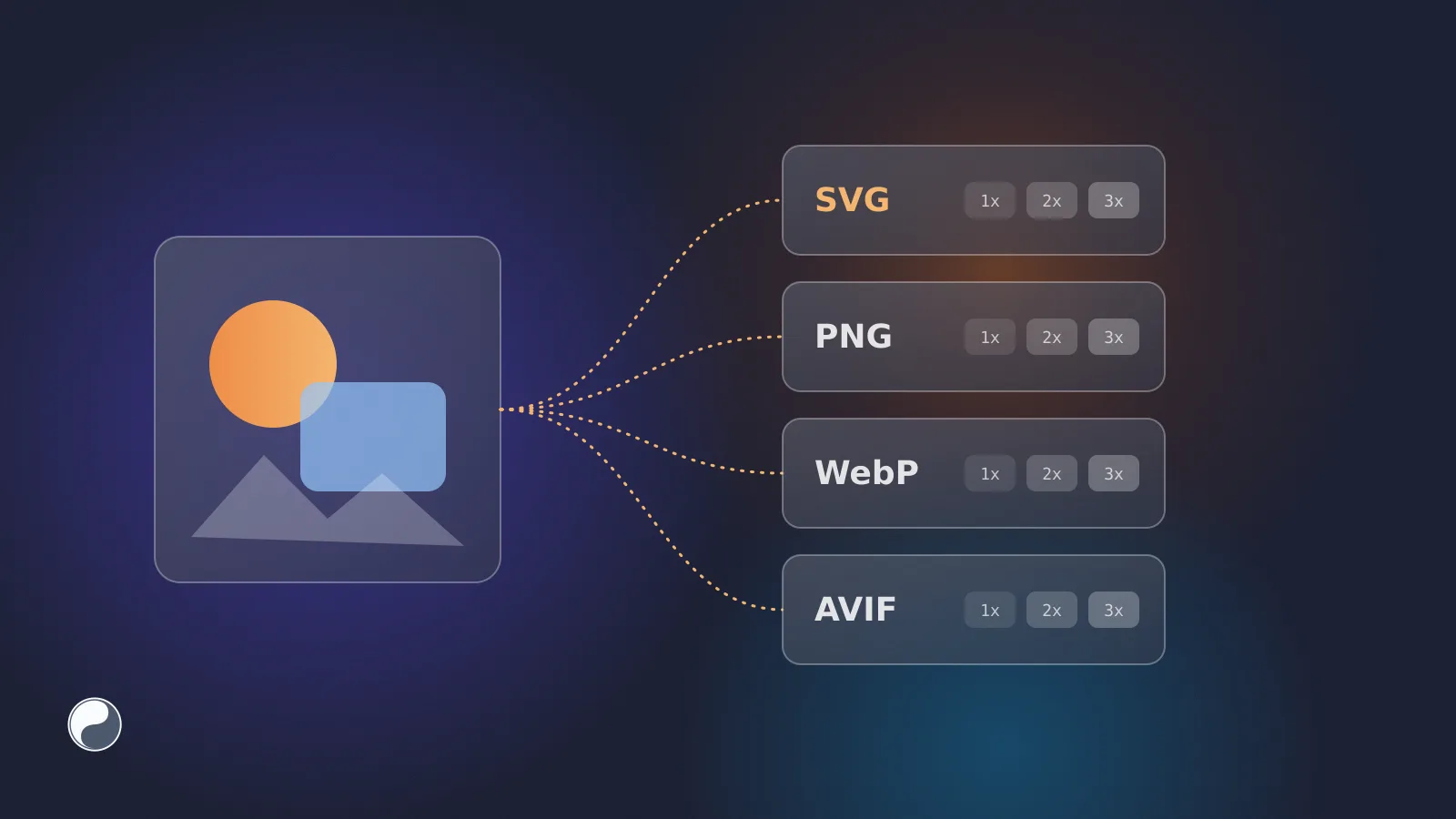
An illustration leaves Figma as a frame and has to arrive in the product as a file. The choice of format decides how sharp it looks, how much it weighs and which browsers can show it. For most teams the question comes down to four options: SVG, PNG, WebP and AVIF. This note compares them for illustrations exported from Figma, and shows how to ship raster formats at more than one density.
Key takeaways
- Vector illustrations ship best as SVG: sharp at any size and often the smallest file for flat artwork.
- Illustrations with photos, textures or heavy effects are raster. Ship them as WebP or AVIF, which compress better than PNG.
- AVIF is now Baseline widely available, since July 2026. WebP has been widely available since 2023.
- Raster files need more than one density for sharp screens. Name them
@2xand@3x, and list them insrcset.
The four formats at a glance
MDN's image format guide gives the same split. For diagrams, logos and line art it recommends lossless PNG or SVG, and SVG when the image must render accurately at different sizes. For photos it recommends WebP or AVIF with a fallback (MDN).
SVG for vector illustrations
Most product illustrations are drawn in Figma as vectors: shapes, strokes, flat fills and simple gradients. For those, SVG is the natural format. MDN puts it plainly: "SVG-format vector images can be rendered at any size without loss of quality" (MDN).
One file covers every screen density, and the file is text, so it compresses well on the server. Two things can undo that advantage:
- Effects and image fills. Effects add filter markup, and an image fill is embedded as raster data. An SVG with a large embedded image is a PNG in disguise.
- Editor noise. SVGO's documentation notes that exported files "usually contain a lot of redundant information", such as metadata, comments and hidden elements (SVGO). An optimiser removes most of it, the same clean-up that keeps an SVG sprite from Figma small.
If an illustration relies on effects, check the exported SVG's size. When it's much larger than a raster version, ship the raster.
Raster: PNG, WebP or AVIF
When an illustration contains a photo, a texture or complex effects, it's raster in practice. The question is which raster format.
PNG is lossless and universally supported. It's also the heaviest option, so it's the fallback rather than the default.
WebP compresses much better. MDN reports that lossy WebP images are "on average 25–35% smaller than JPEG", and lossless WebP images are "typically 26% smaller than the same images in PNG format" (MDN). WebP has been Baseline widely available since March 2023 (webstatus.dev).
AVIF goes further. MDN notes that "AVIF has better compression than WebP", with a median of 50% compression against 30% for WebP on the same set of JPEGs (MDN). AVIF became Baseline widely available in July 2026 (webstatus.dev). Encoders expose a speed setting: in sharp, AVIF's effort runs from 0 (fastest) to 9 (slowest) (sharp). That matters in a build pipeline, not for the person loading the page.
For illustrations with a transparent background, both WebP and AVIF support an alpha channel (MDN).
Which format to ship for each illustration
With AVIF and WebP both Baseline widely available, a fallback is now a choice for unusual audiences, not a requirement.
Densities and srcset
A raster illustration drawn at 320 pixels wide looks soft on a screen with two or three device pixels per CSS pixel. The fix is to export the same frame at several scales and let the browser pick.
Name the files with a density suffix:
Then list them with density descriptors. MDN notes that without sizes, the browser picks by density, and "the 1x is implied" (MDN):
Setting width and height reserves space and prevents layout shift while the image loads. A purely decorative illustration takes alt="".
If you do need a format fallback, wrap the image in <picture>. Per MDN, a <source> whose type the browser doesn't support "is skipped", and the <img> inside is used when nothing matches (MDN):
Keep the export repeatable
Formats are the easy decision. The harder part is keeping the files in the repository in step with Figma. Illustrations get redrawn, renamed and replaced, and a manual export leaves stale files behind: a small case of design system drift. The same rules that work for icons from Figma apply here: one source of truth in Figma, a predictable file name per frame, and changes delivered as a reviewable diff. When an illustration is renamed in Figma, the repository should see a rename, not a deletion and a new file.
Where FISYCO fits
We build FISYCO to export illustrations from Figma sections to your repository. An illustrations library ships SVG by default, or PNG, WebP or AVIF at the scales you choose: 0.5, 0.75, 1, 2 and 3. For raster formats, FISYCO asks Figma for a PNG at each scale and converts it to WebP or AVIF itself.
Files get @2x-style suffixes that match srcset. With more than one scale, every file carries one, including @1x, so point src at the @1x file. Changes arrive as a pull request, and a renamed illustration arrives as a rename because it keeps its Figma node ID.